Reset Fleet Portal password
Last updated 5 months ago
If you've forgotten your Fleet Portal password or can't log in, you can reset it directly from the login page. The process takes less than a minute.
Go to the Log In page and click Forgot Password?
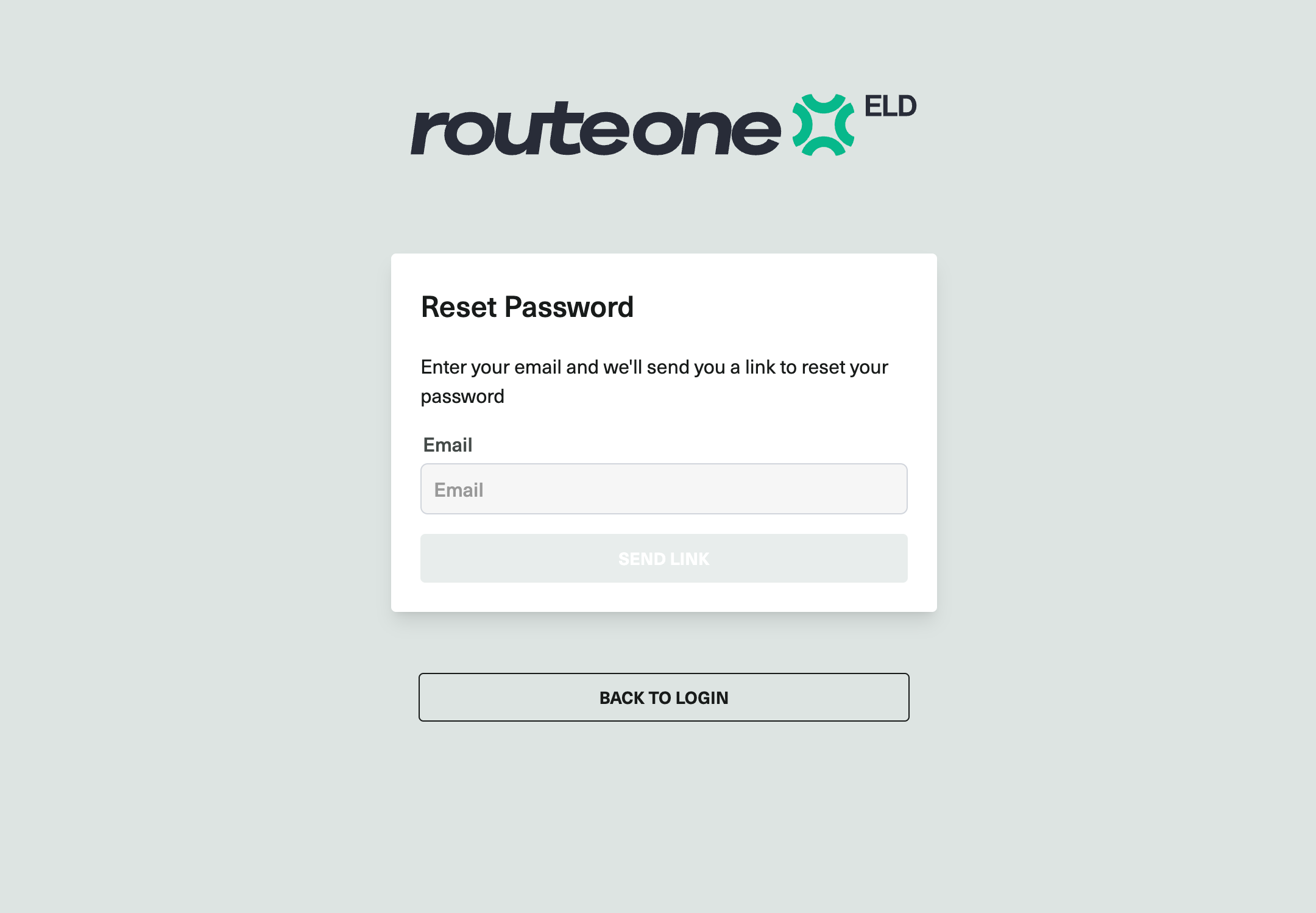
Enter your email address and click Send Link.
A password reset email will be sent to your inbox. If you don't see it, check your spam folder. The link expires after 72 hours — if it has expired, repeat these steps to request a new one.
Open the email and click Reset my password.
Enter your new password and confirm it.
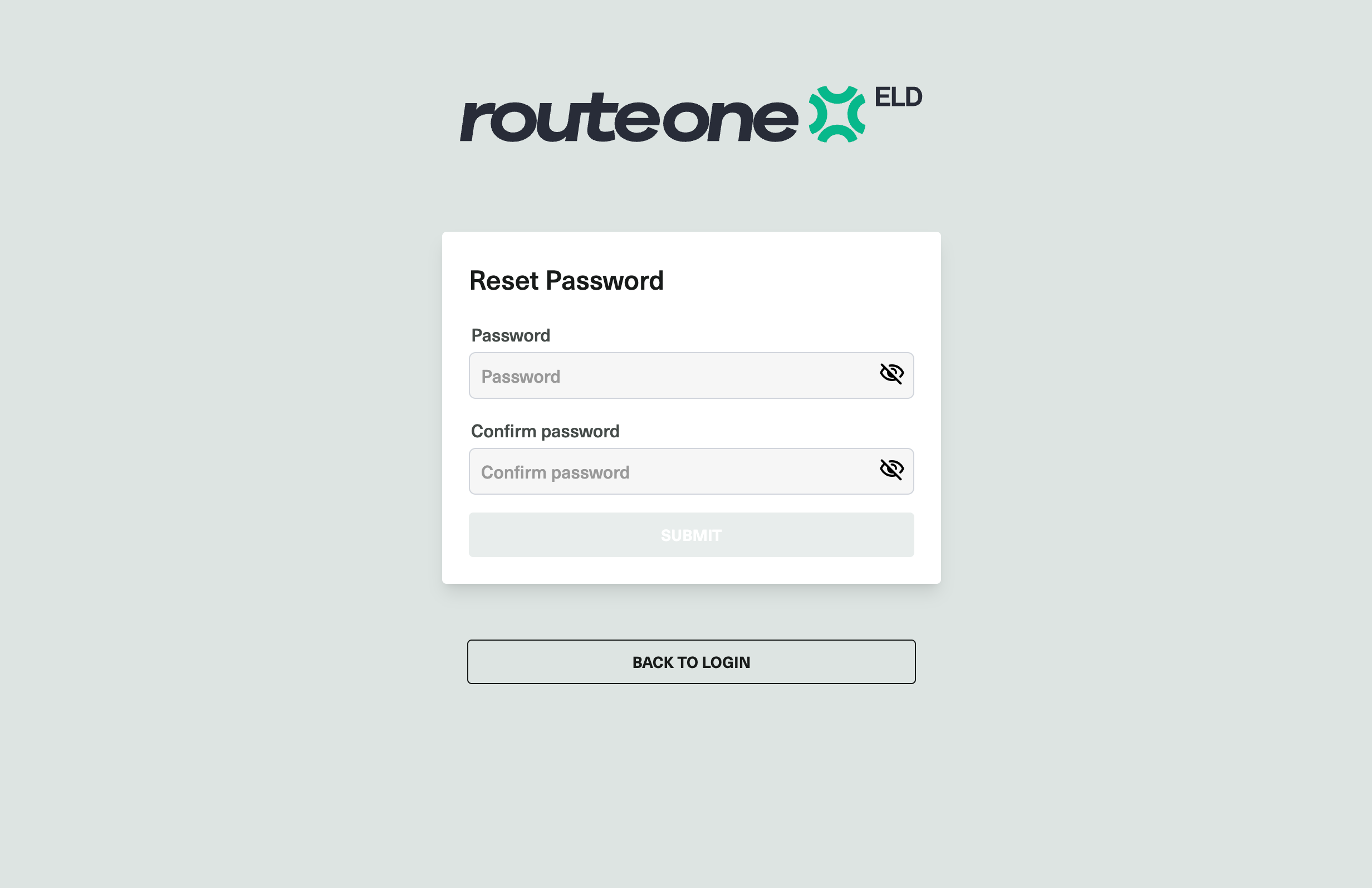
Click Save.
You can now log in to the Fleet Portal with your new password.