01/ Create your Fleet Portal account
Last updated 3 months ago
To get started with Route One ELD, you need to register your organization on the Fleet Portal.
Go to routeoneeld.com and click Start Free.
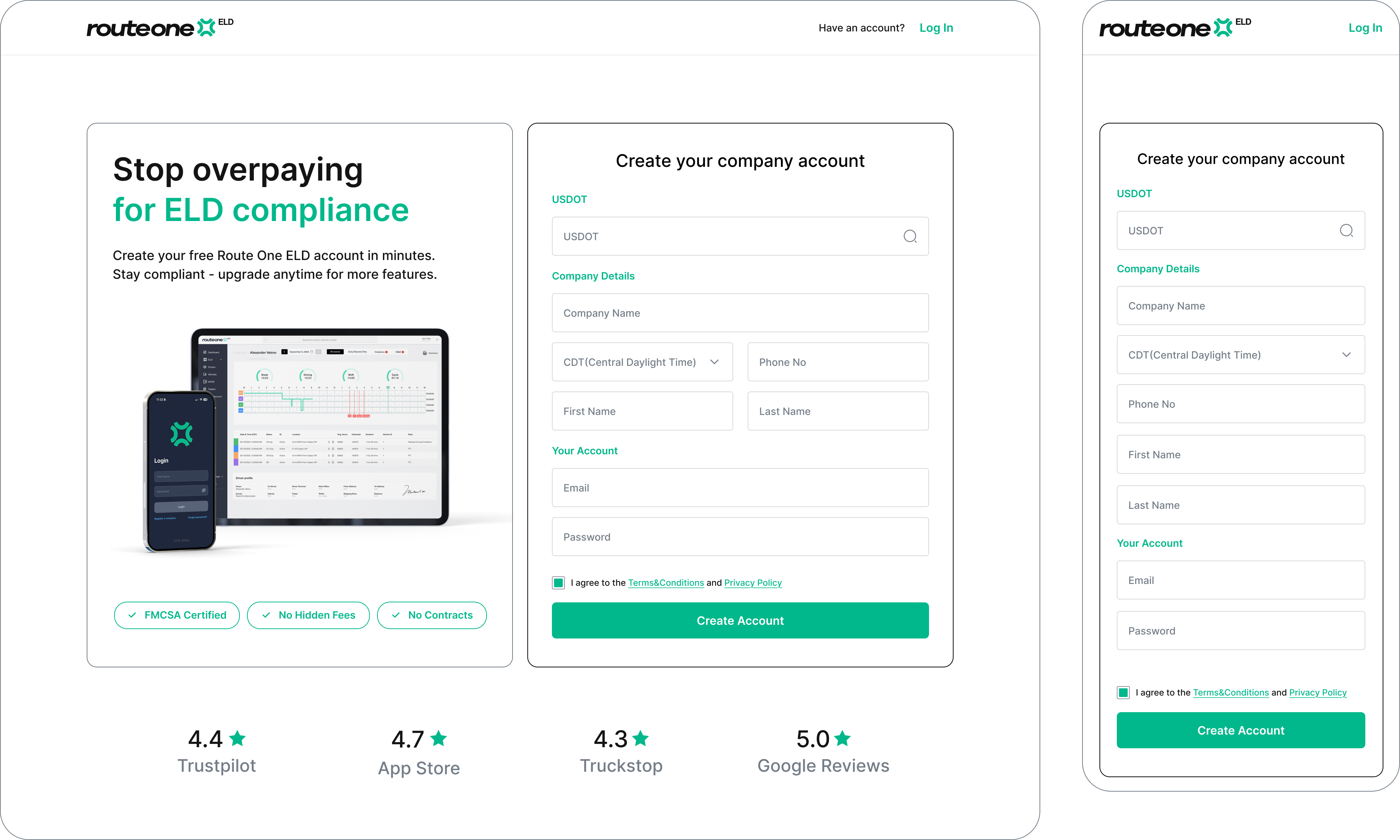
Enter your USDOT number, along with your company details.
Enter your email address and create a password. You'll use these credentials to log in to the Fleet Portal.
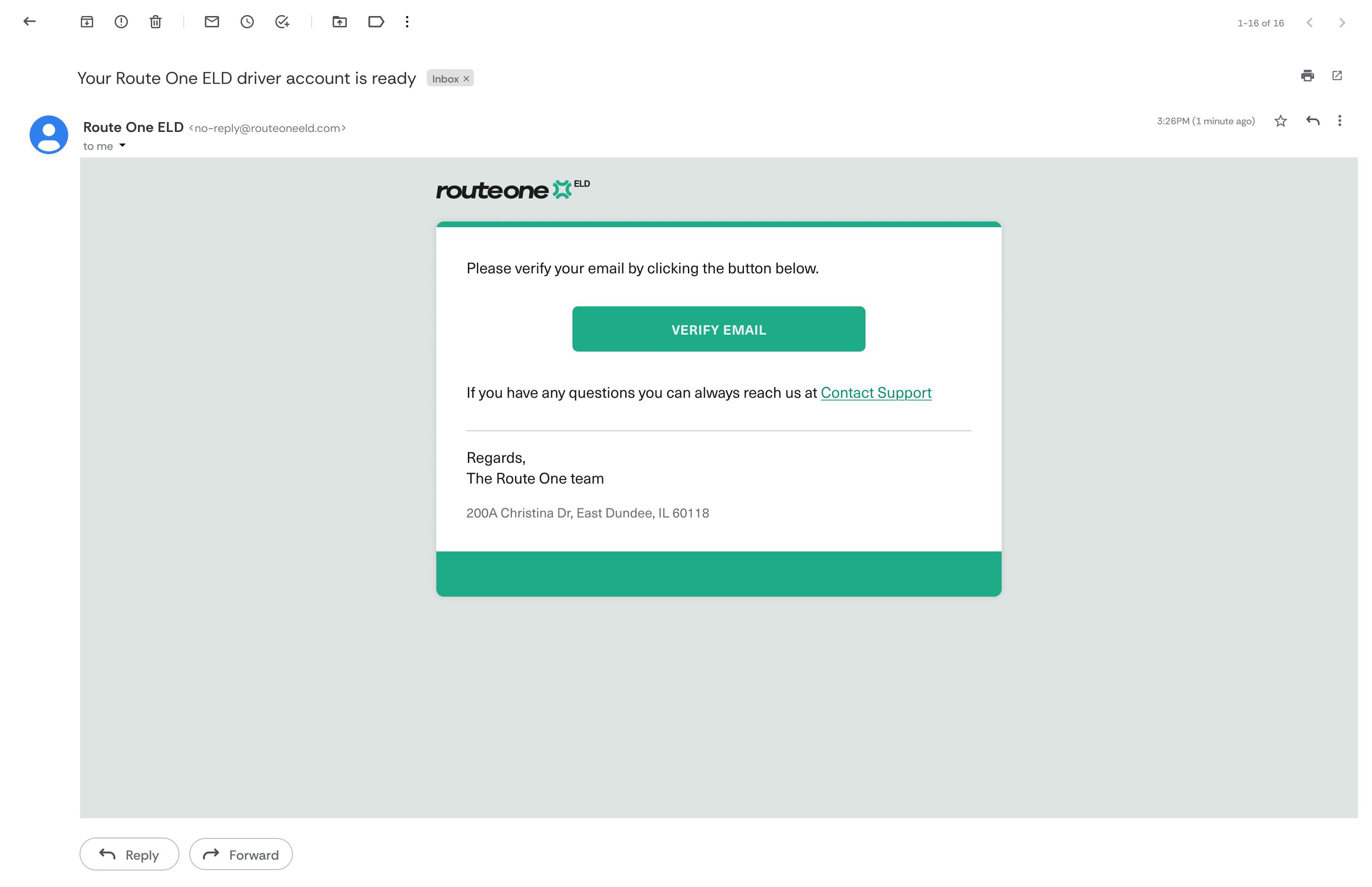
When done, click Create account. A confirmation email will be sent to your inbox. Open it and click the activation link to activate your account.
Note
Didn't receive the email? Check your spam folder. The activation link expires after 72 hours — if it has expired, you can request a new one from the login page.
Next step
Once your account is active, continue to set up your fleet to add your first vehicle and create credentials for the driver app.