Edit your HOS logs
Last updated 4 months ago
Overview
Hours of service logs are legal records. Keeping them accurate is not just good practice — it is a FMCSA requirement that protects you during roadside inspections and audits.
Route One ELD gives you two ways to maintain accurate logs: correcting an existing event and adding one that was missed. Both are fully supported and built around FMCSA compliance requirements.
How log changes work
Understanding what kind of entry you're dealing with determines what you can and cannot change.
Driving events created automatically by the ELD hardware whenever your vehicle exceeds 5 mph are locked by regulation — the status, start time, and end time cannot be modified.
If you need to add context to one of these events, you can attach a note.
Manually entered events are entries you created yourself. These can be edited, with one constraint: your corrected entry must not create gaps or overlaps with automatically recorded events. The app will flag any conflict before allowing you to save.
Two things apply to every change, regardless of type:
A reason for the edit is required — every change must include a note explaining why it was made
If the log has already been certified, you will need to re-certify it after saving
Note
All changes are preserved alongside the original record. Nothing is deleted — both versions remain visible in your log's full history.
Edit a log event
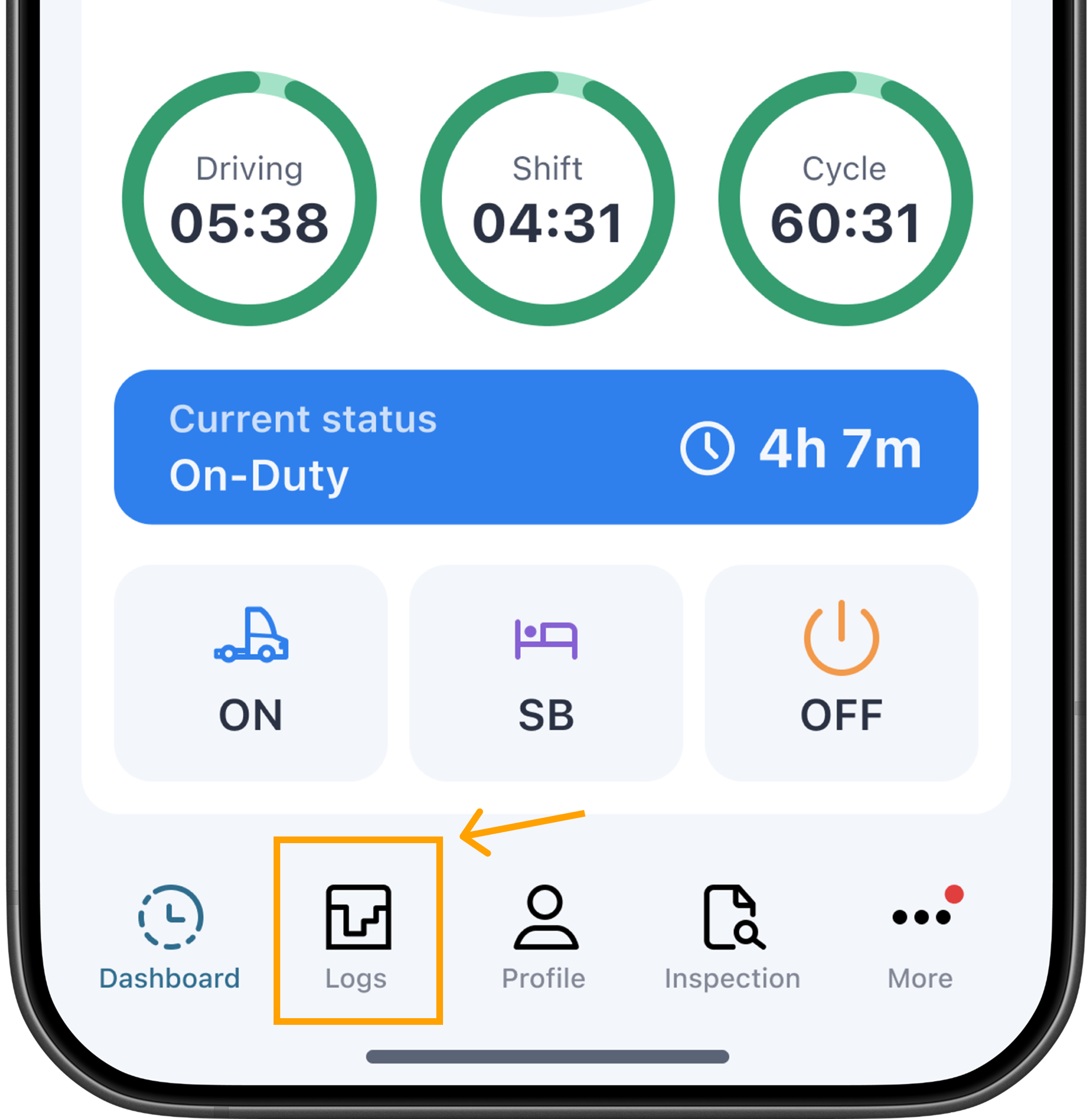
From the main screen, tap Logs.
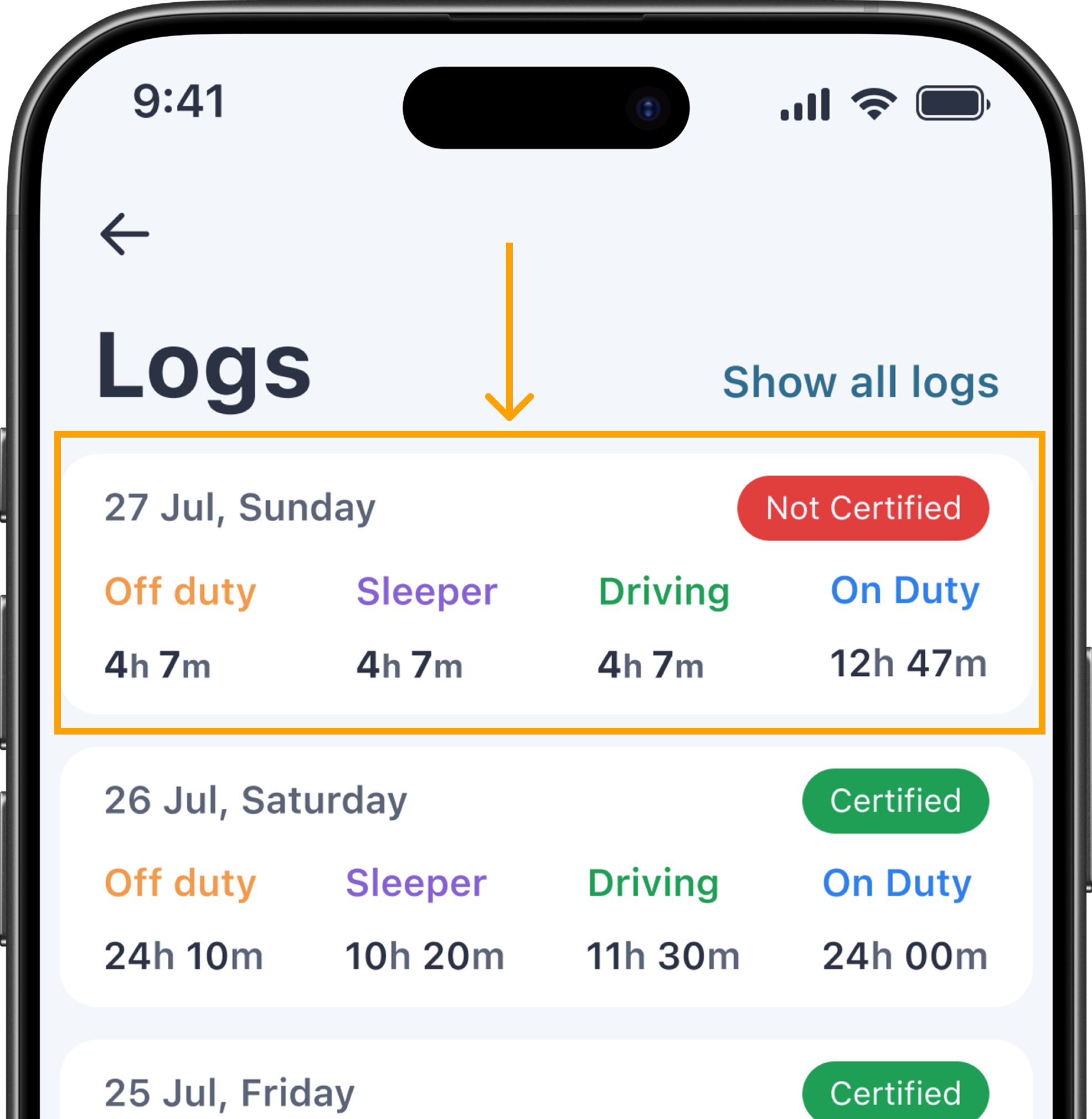
Select the day you want to edit.
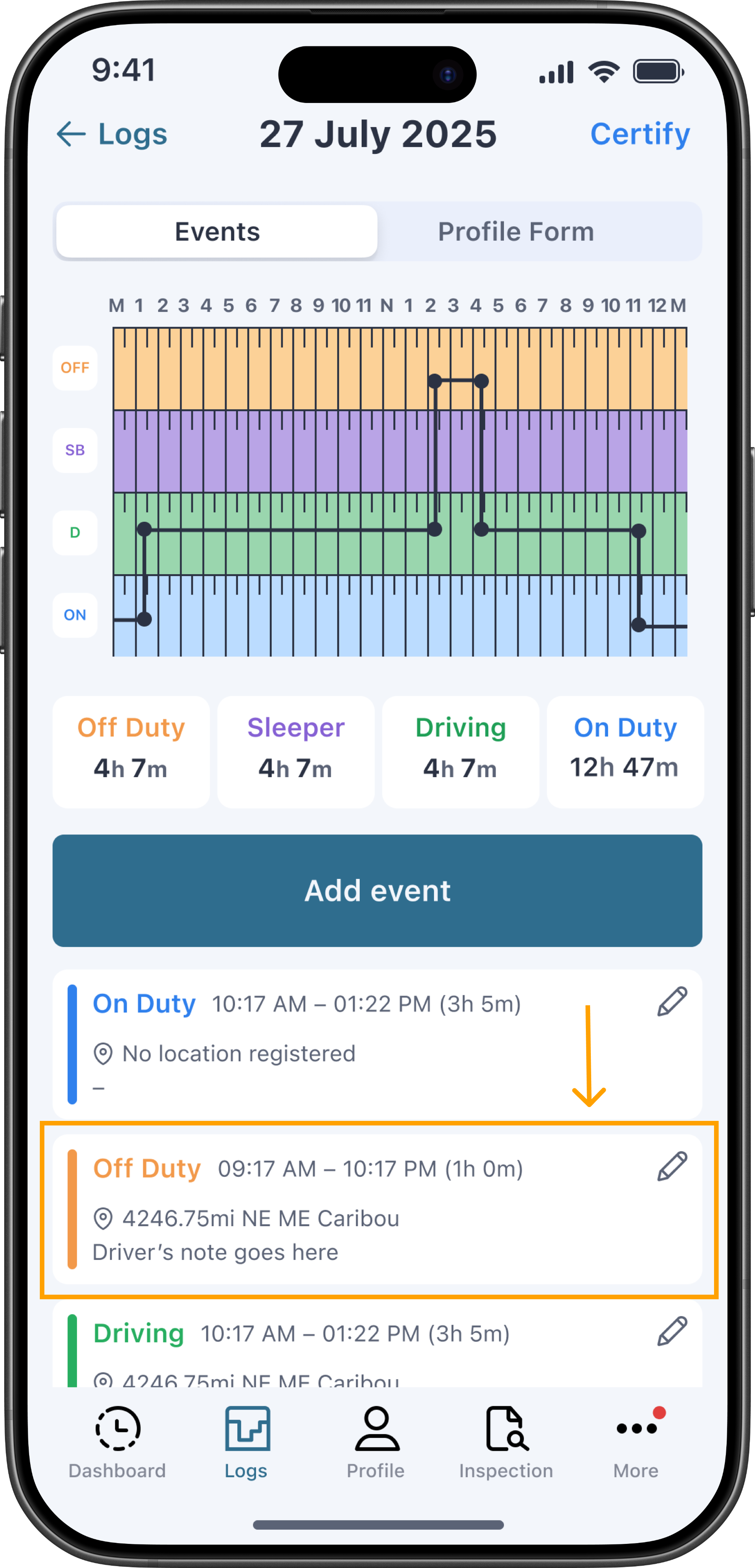
Tap the duty status event you want to edit in the list below the graph.
Make the needed changes — you can update the duty status, time, location, or notes.
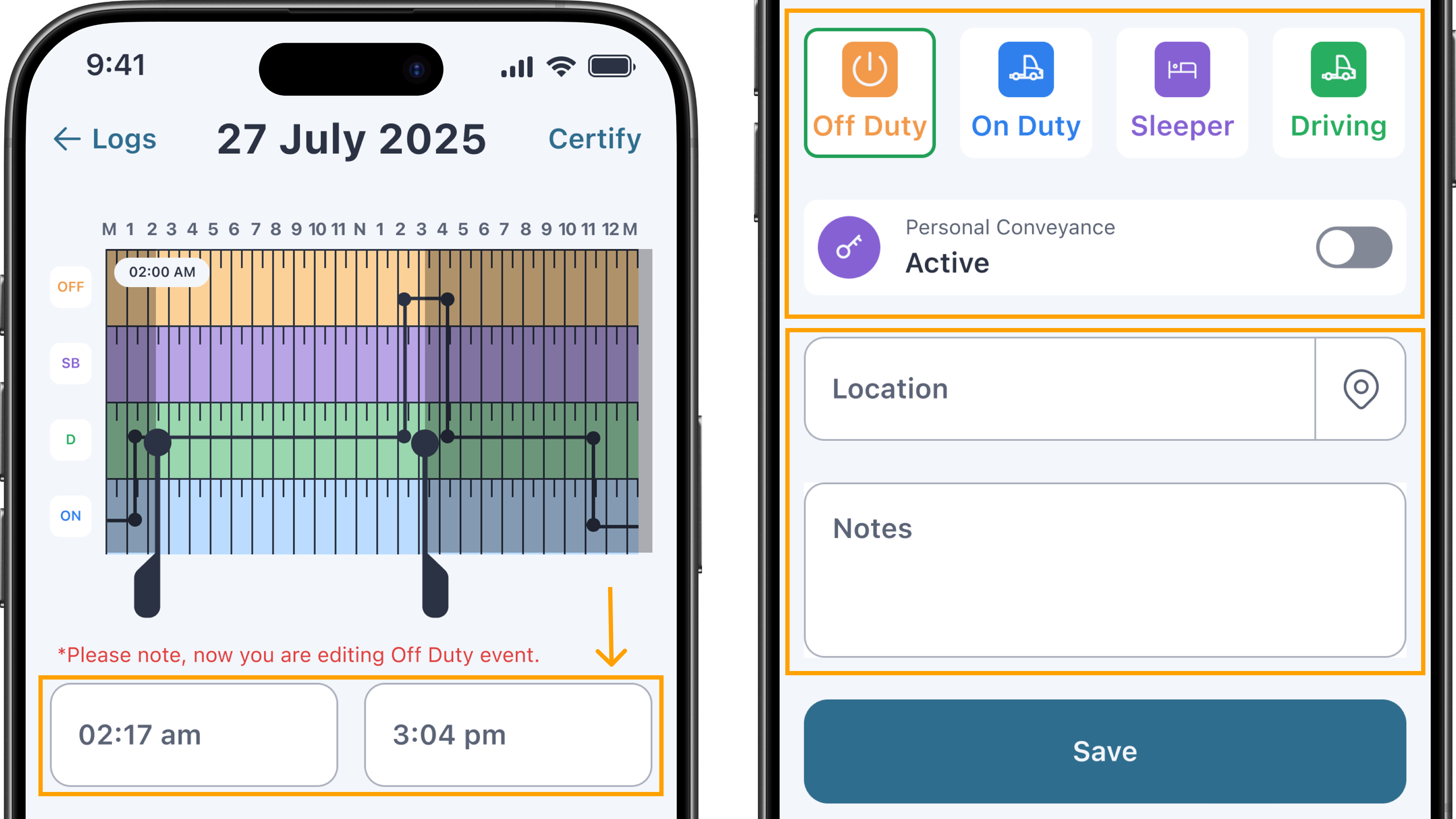
Tap Save.
You'll be prompted to sign the changes to confirm them.
Add a past duty event
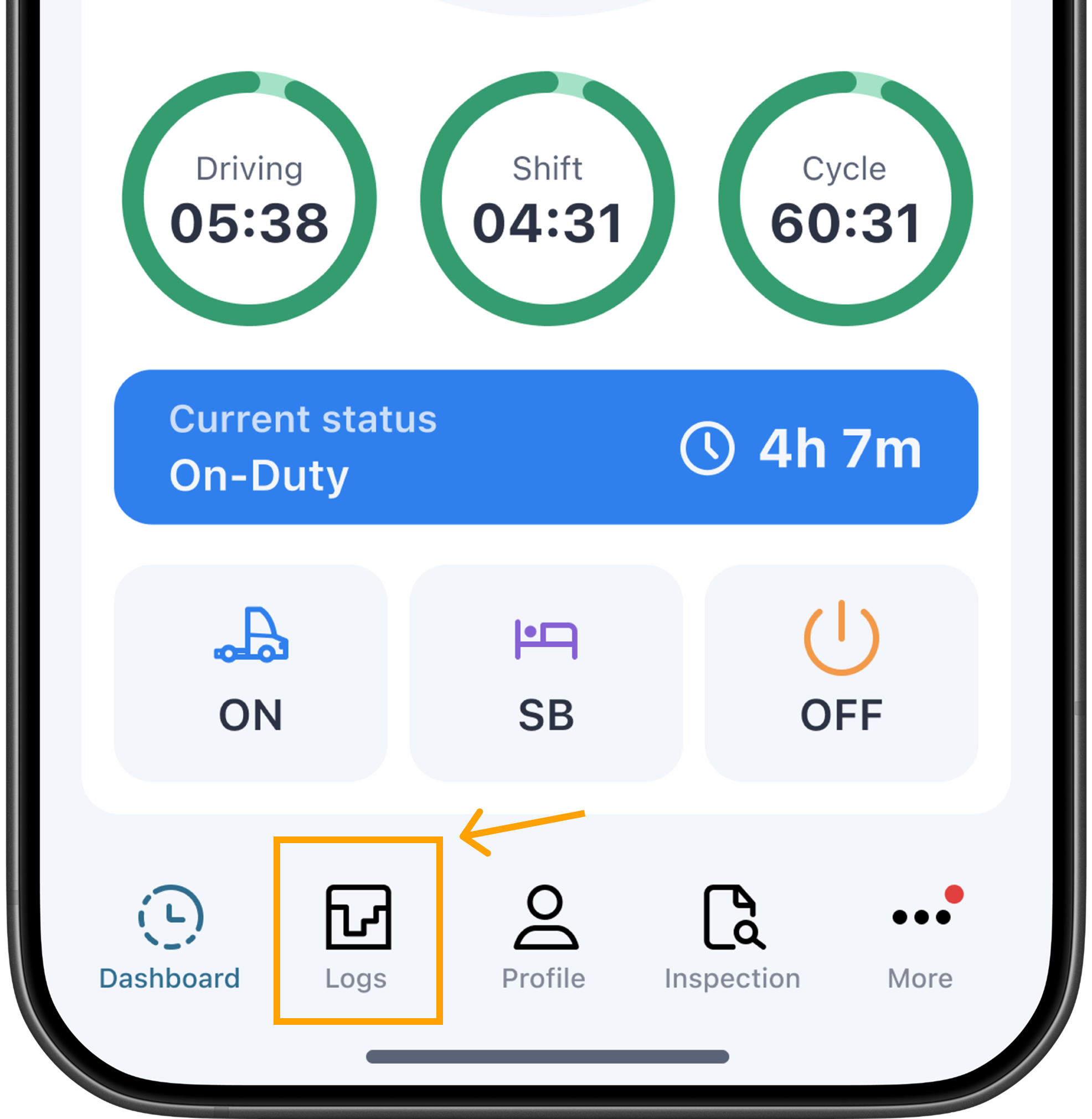
From the main screen, tap Logs.
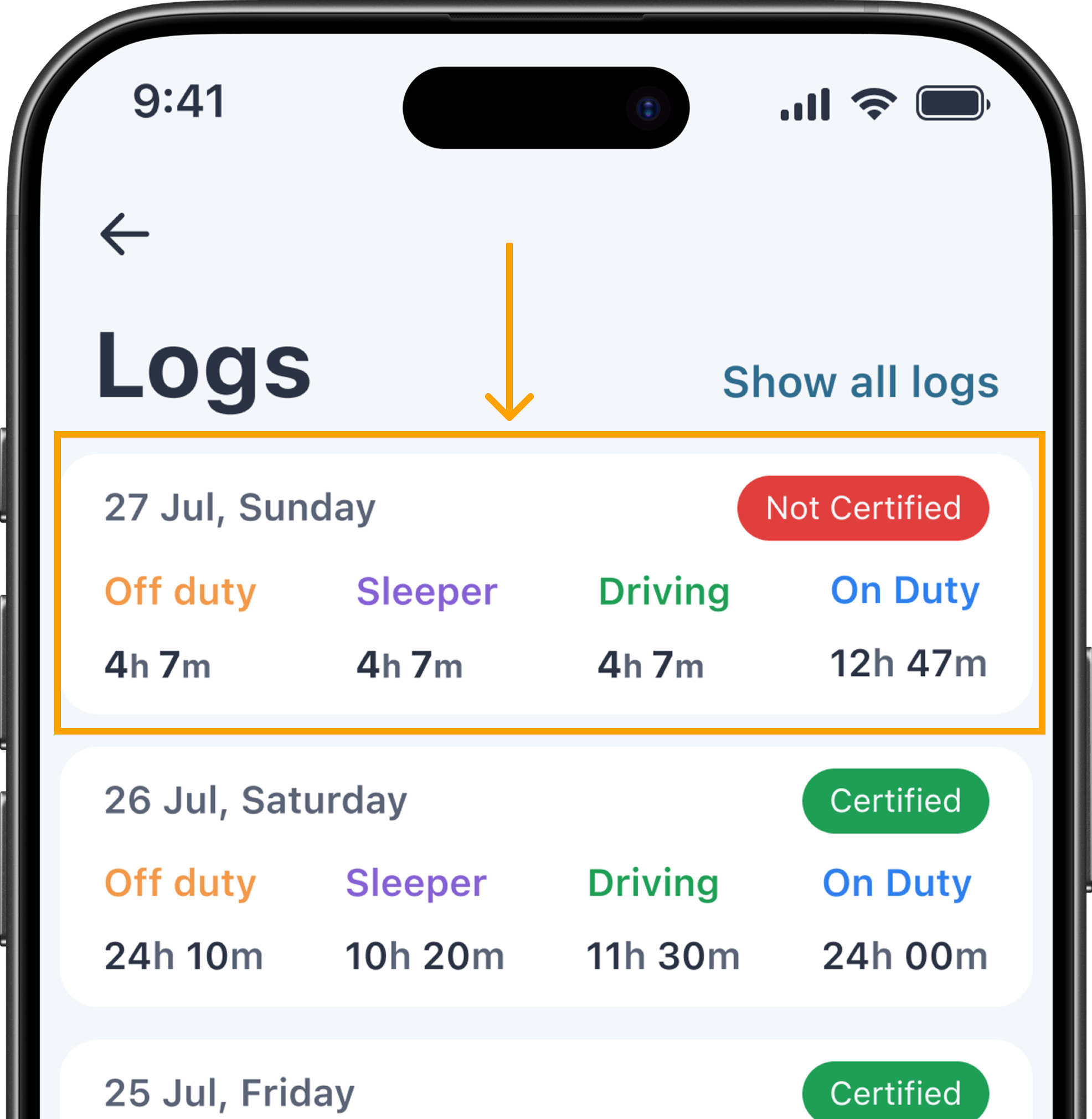
Select the day you want to edit.
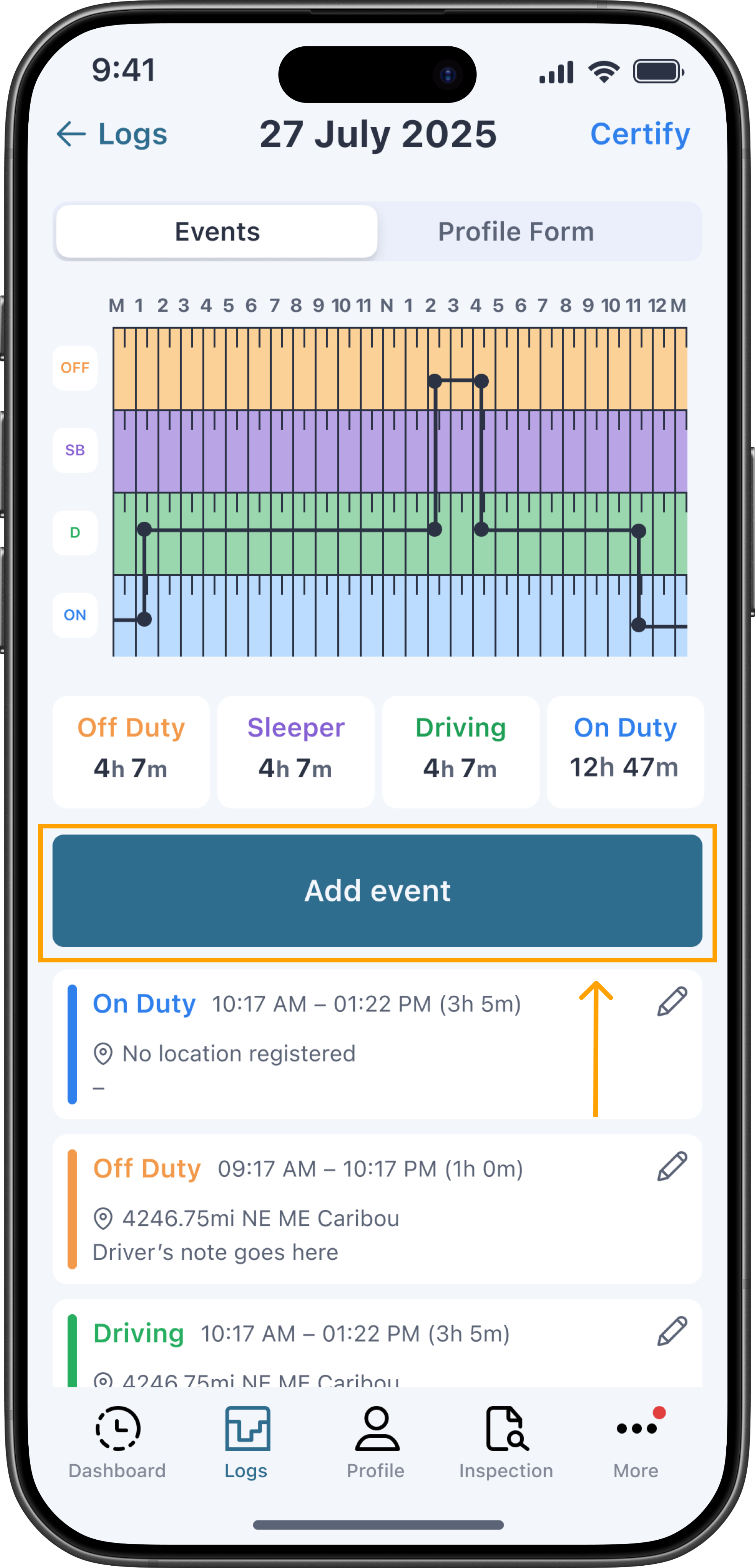
Tap Add Event.
Select the duty status and fill in the time, location, and notes.
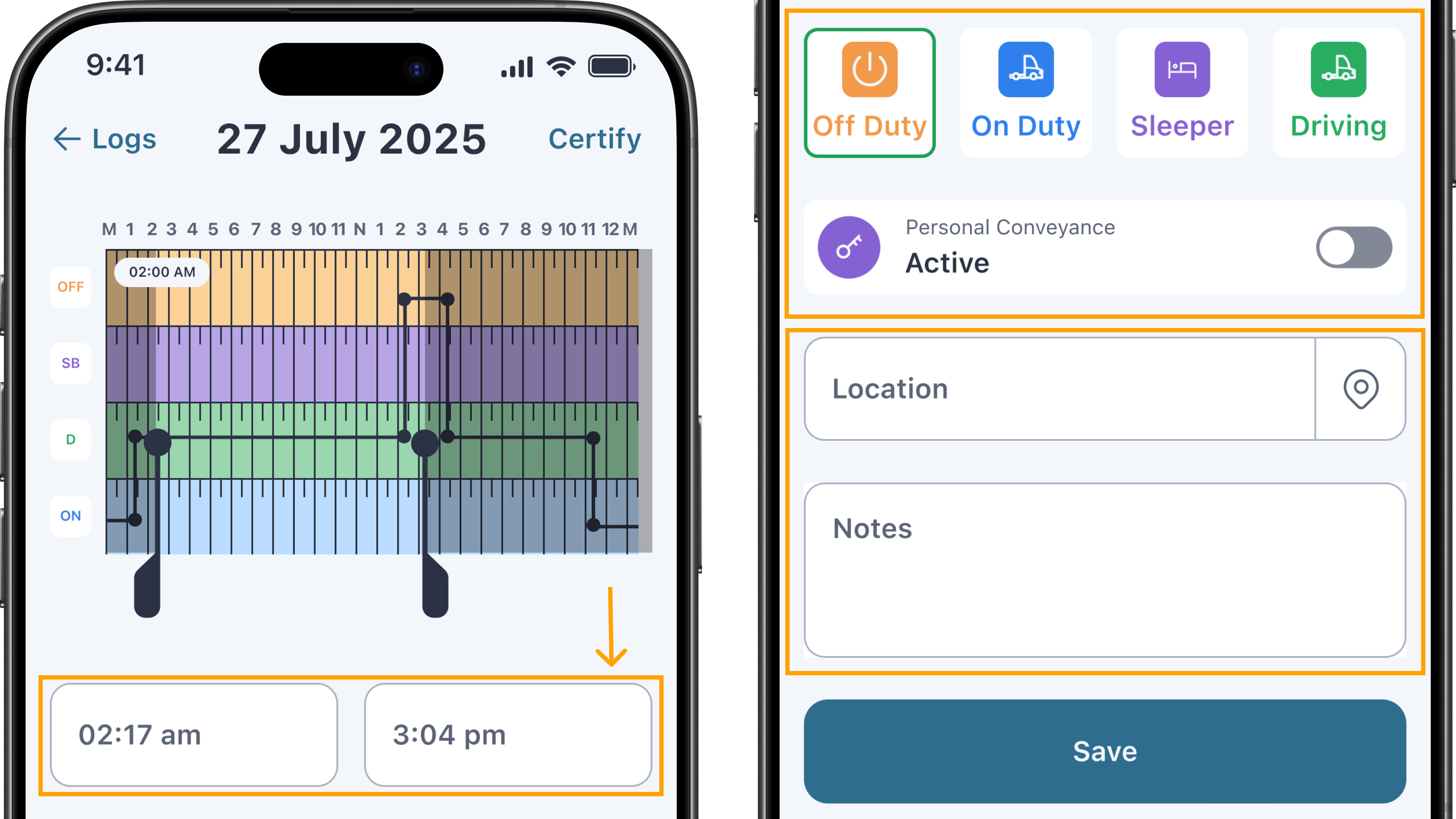
Tap Save.
You'll be prompted to sign the changes to confirm them.
Fleet admins: Need to propose a log correction for one of your drivers? See Suggest log edits from the Fleet Portal.