Reset Driver App password
Last updated 3 months ago
Passwords for the Driver App cannot be changed from within the app. Only a Fleet Admin can reset a driver's password through the Fleet Portal.
For drivers
Contact your Fleet Admin and ask them to reset your password. Share this article with them so they can follow the steps below.
For fleet admins
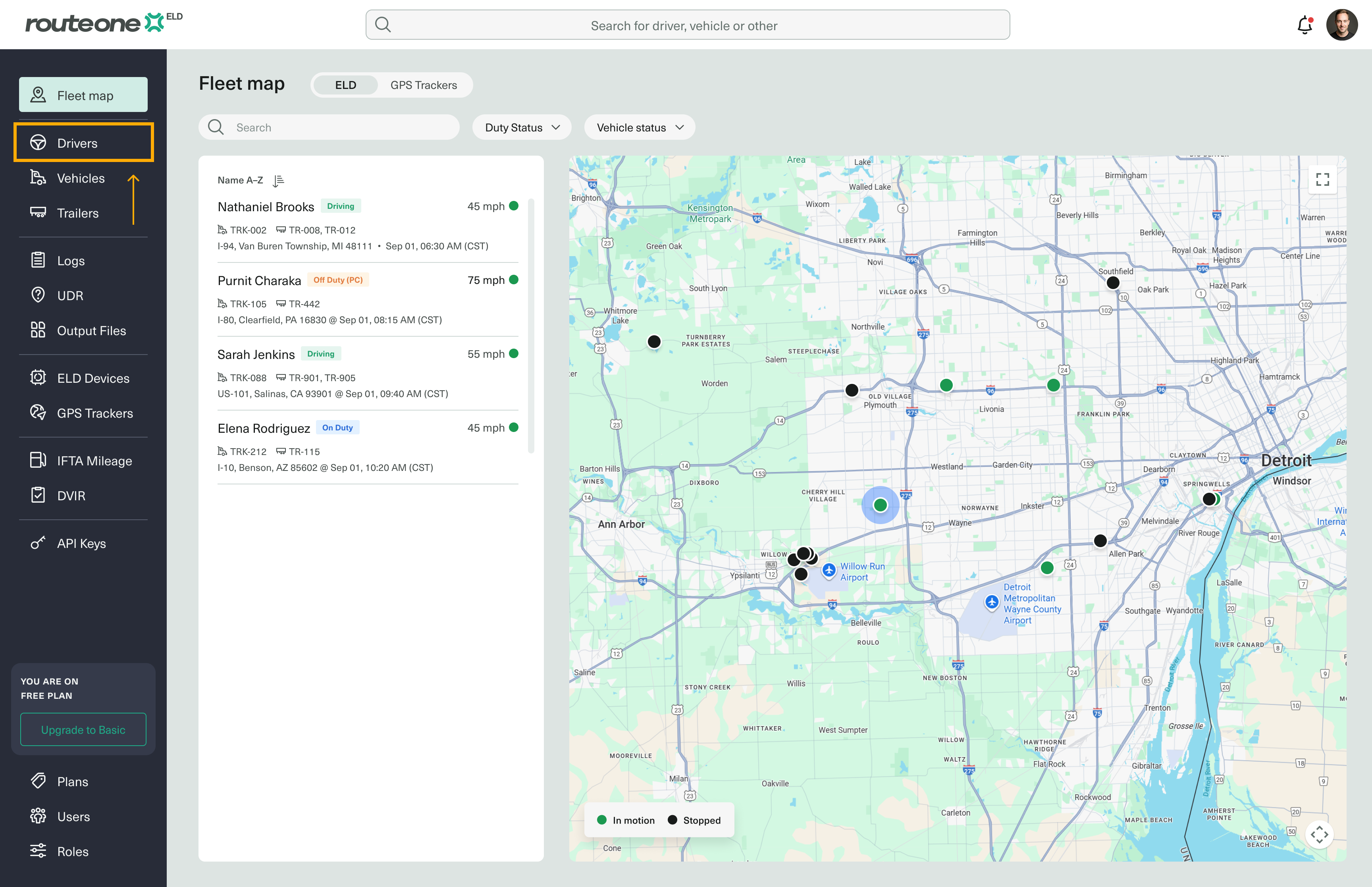
In the Fleet Portal, select Drivers from the sidebar menu.
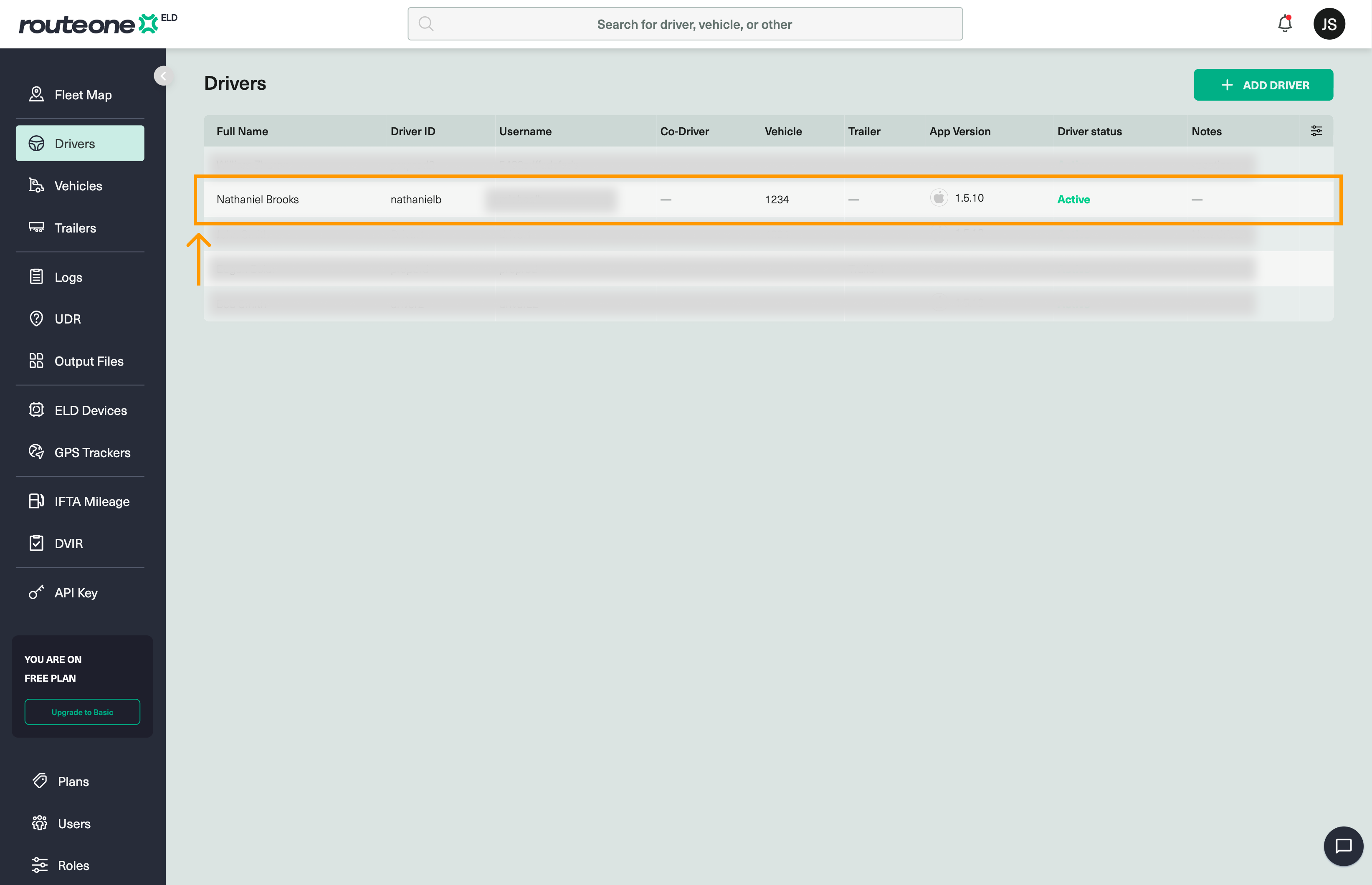
Find the driver whose password you want to update and click on their row.
Scroll down to the Driver App credentials section.
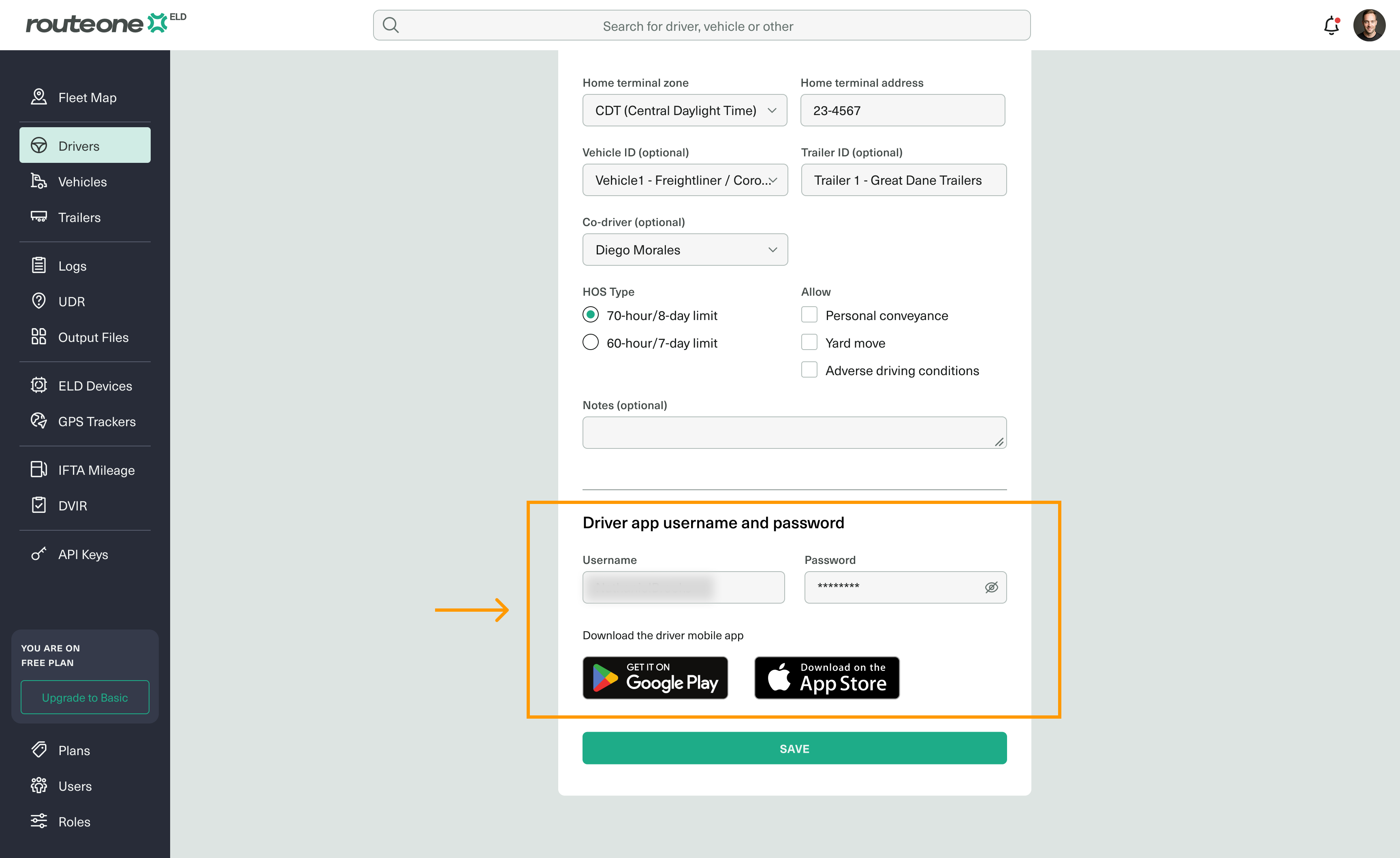
Enter the new password in the Password field.
Click Save.
The driver can now log in to the Route One ELD Driver App using the new password.