03/ Download Driver App & Log in
Get the Route One ELD Driver App on your device and log in for the first time.
Last updated 4 months ago
Overview
The Route One ELD Driver App gives drivers access to Hours of Service (HOS), Driver Vehicle Inspection Reports (DVIR), ELD data transfer, and other compliance tools required on the road.
Before a driver can log in, you or your fleet manager must create their account in the Fleet Portal — including their username and password. See how to add a driver and a vehicle if you haven't done this yet.
Download the app
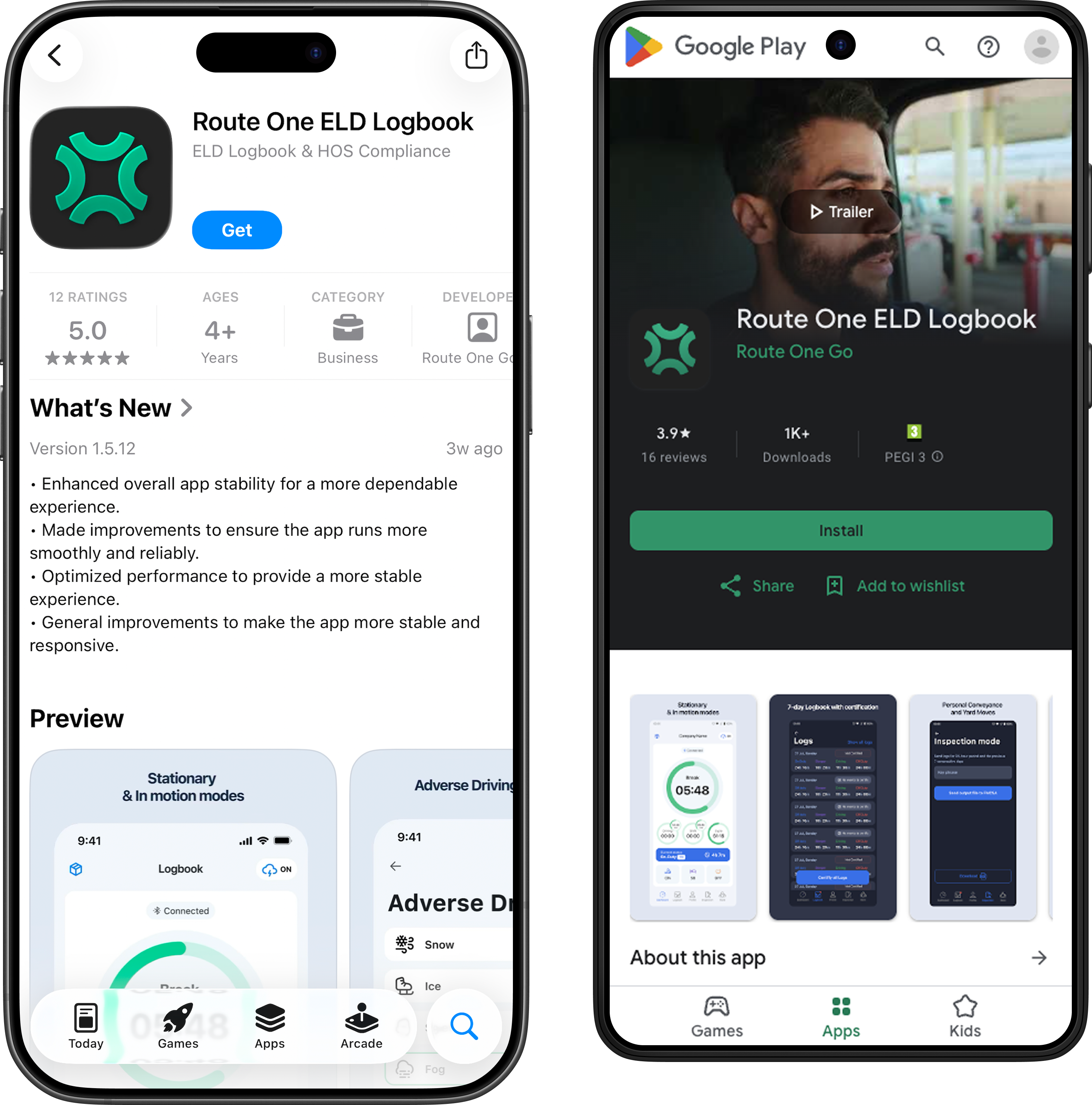
Open the App Store (iOS) or Google Play Store (Android) on your device.
Search for Route One ELD.
Tap Get (iOS) or Install (Android).
Once installed, open the app.
Minimum device requirements
Log In
Open the Route One ELD app.
Enter the driver username and password created for you in the Fleet Portal.
Tap Log In.
Forgot your credentials? Search your email inbox for a message with the subject line "Your Route One ELD driver account is ready" — your username and password are included in that email.
Next step
Once logged in, connect the app to your ELD hardware.