Location History
Last updated 2 months ago
Overview
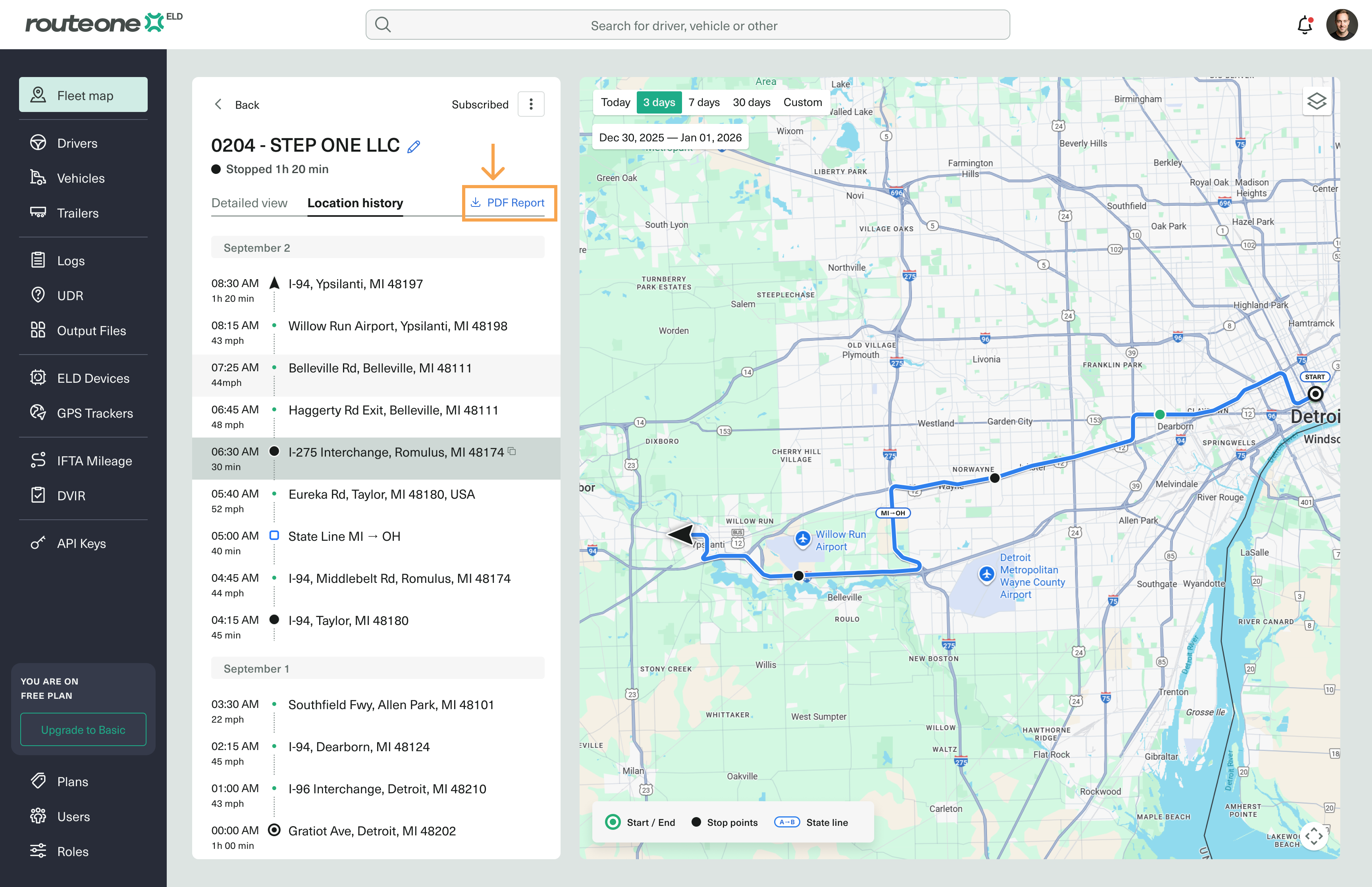
Location History lets you review where an asset has traveled over a selected time period. You can view every reported location on a map alongside a detailed breakdown of the route, including stop points, durations, and border crossings. This is useful for verifying trips, investigating disputes, and reviewing asset activity based on either ELD or GPS Tracker data.
View an asset’s location history
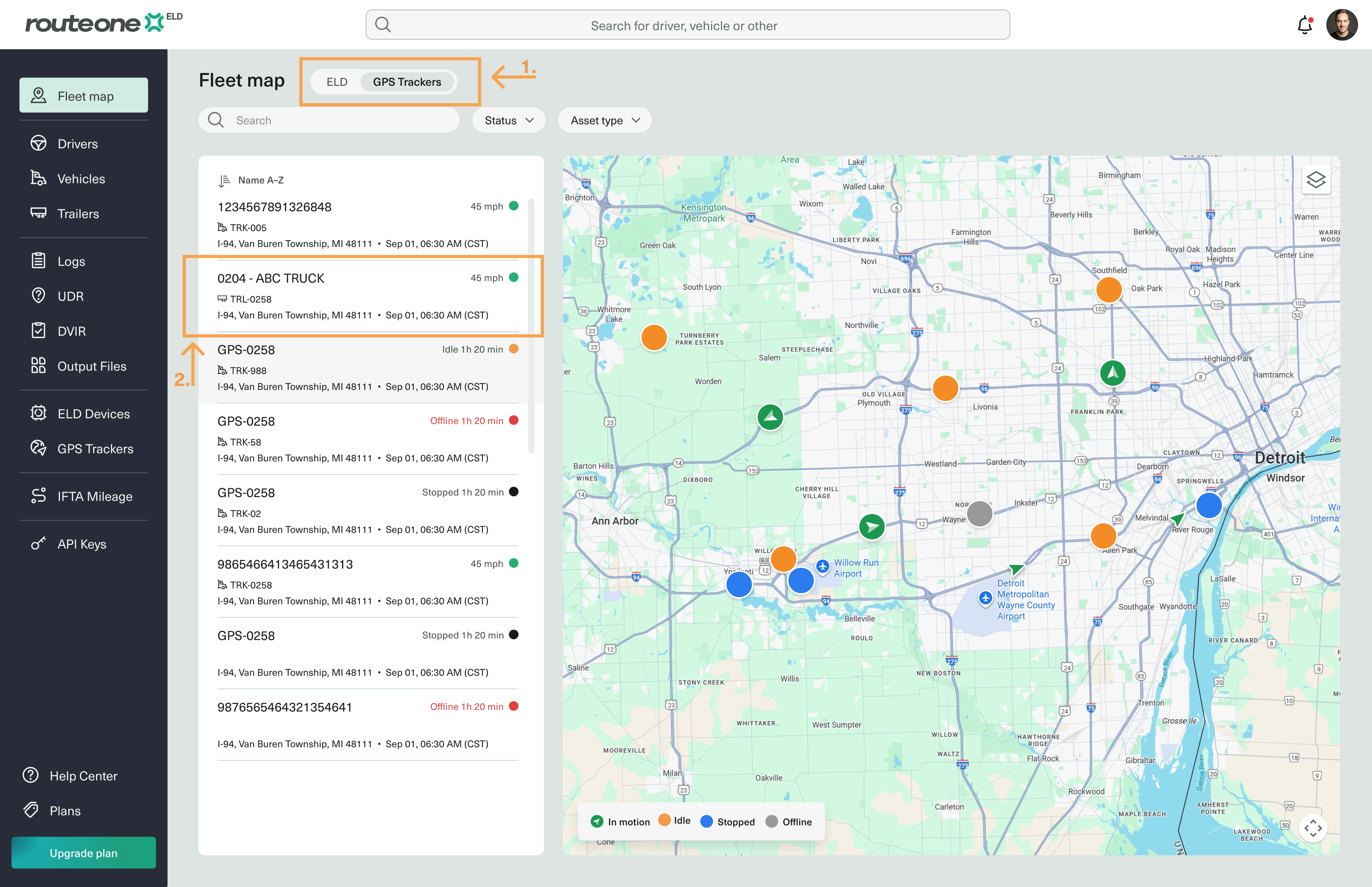
On the Fleet Map, select ELD or GPS Trackers, depending on which assigned device you want to share.
Alternatively, navigate to the specific device from its list page in the sidebar menu (for example, GPS Trackers).
Select the asset.
Select Location History.

Choose the date range.
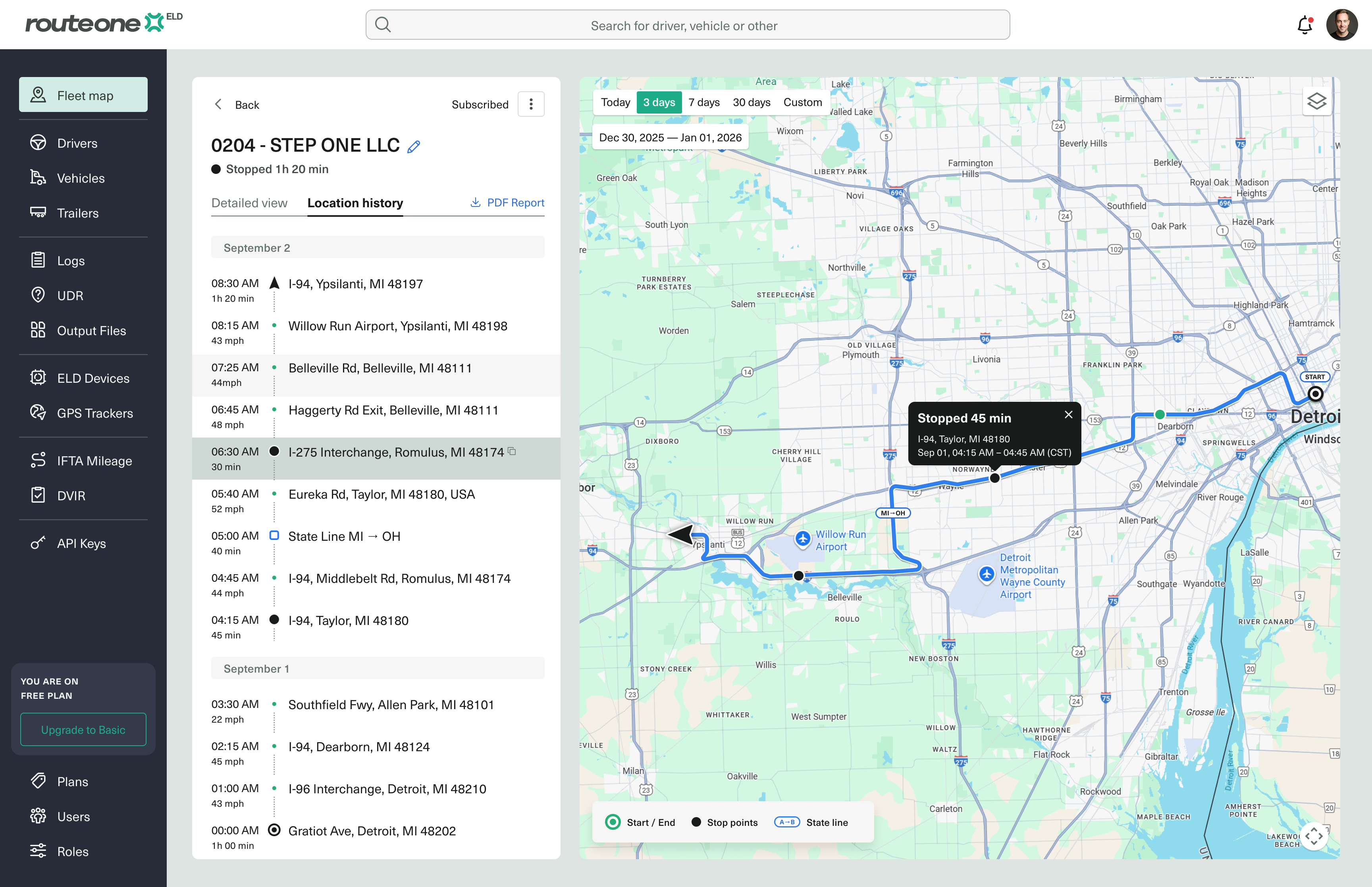
The table displays all reported locations during the selected date range. The map shows the asset's path along with:
Start and end points
Stop points and their duration
Locations where the asset crossed a border
Download the report
You can also download the location history as a PDF report.